Welcome to my blog.
This blog shares some of the experiences I had during my early experiments and projects in the field of the Internet of Things (IoT).
My first experiments began with hardware from Arduino, Raspberry Pi, and M5Stack. The software development environment for all three platforms is based on Visual Studio Code with the PlatformIO Extension. For Arduino projects I use C++ and Arduino libraries, for Raspberry Pi projects I use C# and .Net Core 6 on Raspberry Pi OS and for the M5Stack projects I use C# and .NET NanoFramework.
The experiments and projects are published on GitHub: https://github.com/schaeren.
(Currently comments are not enabled)
Arduino related posts:
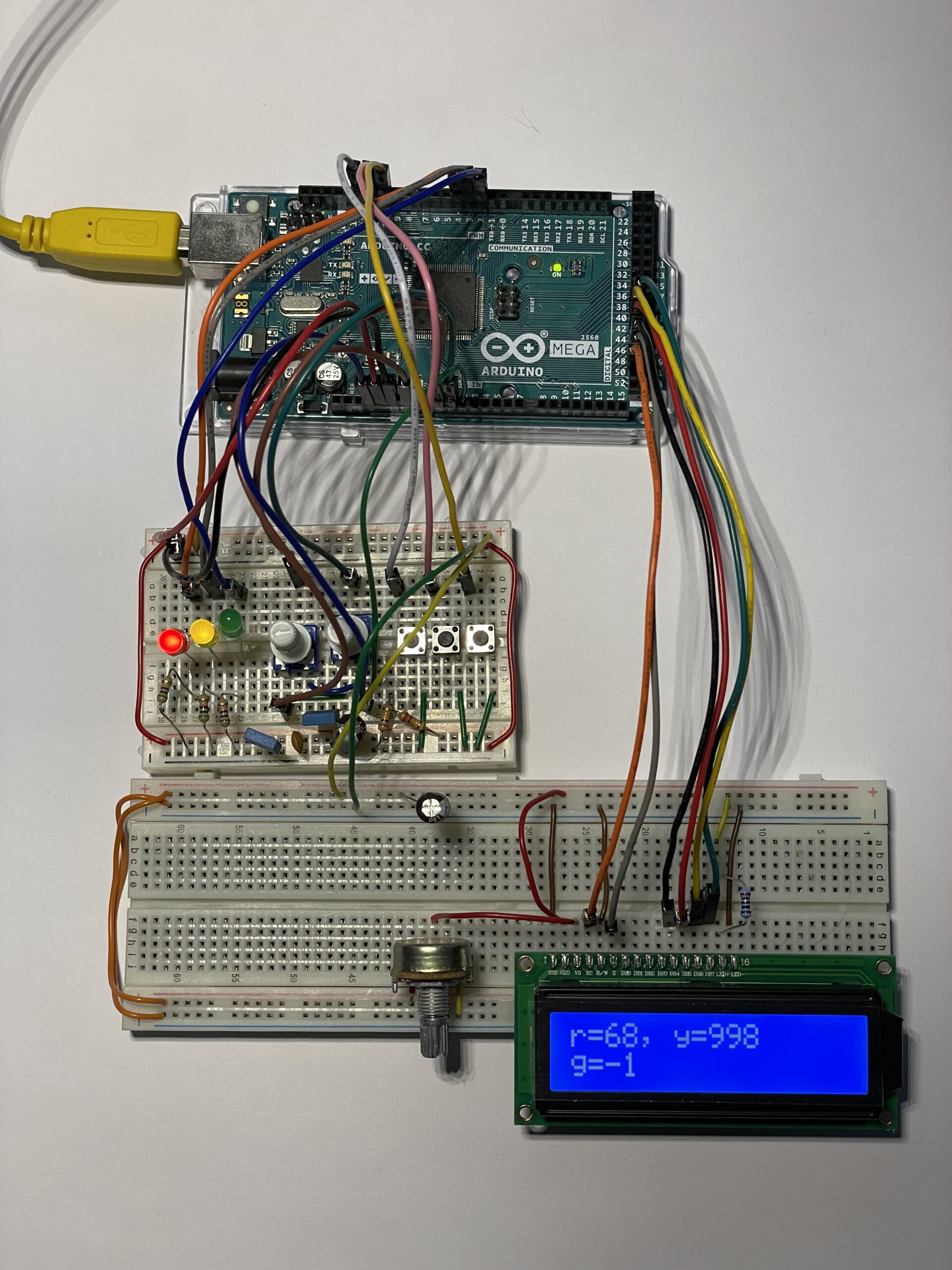
- Arduino – Software development with Visual Studio Code and PlatformIO, Debugging
- Arduino – Timer
- Arduino – Counter
- Arduino – Interrupt
- Arduino – Libarary: arduino-timer
- Arduino – freeRTOS
- Arduino – Using Debug Probe (Atmel ICE) with Visual Studio Code
Raspberry Pi with .NET 6 related posts:
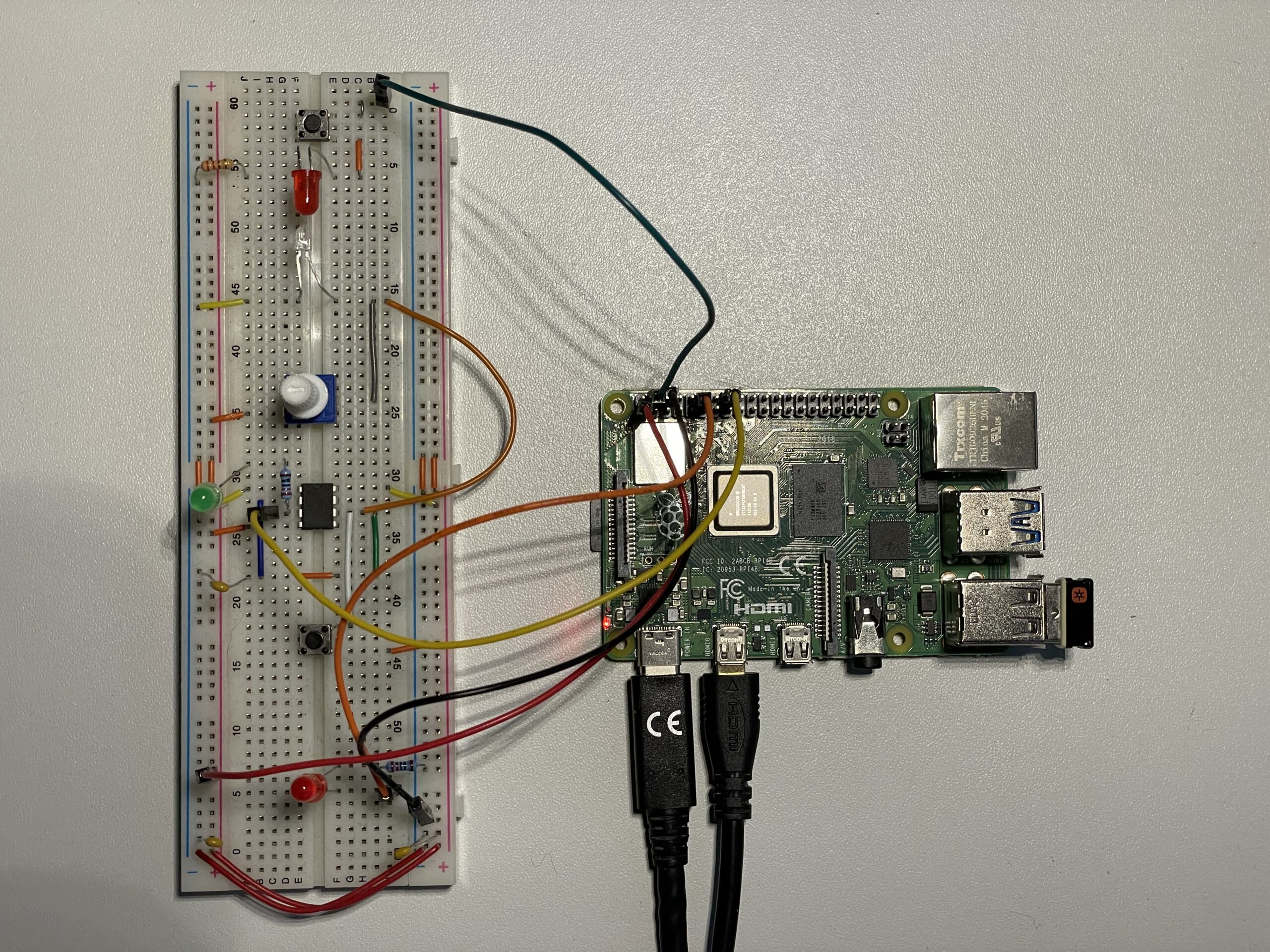
- Raspi – Setting up Raspberry Pi OS
- Raspi – Setting up Raspberry Pi OS in headless mode
- Raspi – Setting up remote access with SSH
- Raspi – Software development with Visual Studio Code, C# and .NET 6, Debugging
- Raspi – Multithreading application with .NET and C# on Raspberry Pi
- Raspi – Setting up Mosquitto (MQTT broker) on Raspberry Pi / Docker
- Raspi – Using MQTT on Raspberry Pi with .NET and C#
Raspberry Pi Pico / Raspberry Pi Pico W related posts:
- Pico – Developing for Raspberry Pi Pico (W) with Python
- Pico – Developing for Raspberry Pi Pico (W) with Python and Visual Studio Code
- Pico – Developing for Raspberry Pi Pico (W) with PlatformIO, VS Code and C/C++ on Windows
- Pico – Developing for Raspberry Pi Pico (W) with Pico SDK using C/C++ on Raspberry Pi 4
Home automation
Homematic IP to MQTT bridge (Docker Container): https://github.com/schaeren/homematicip-rest-mqtt-docker (last updated 2025-10-21)
Latest posts
- .NET NF – Installation of development environment for .NET nanoFramework
- Pico – Developing for Raspberry Pi Pico (W) with Python and Visual Studio Code
- Pico – Developing for Raspberry Pi Pico (W) with Pico SDK using C/C++ on Raspberry Pi 4
- Pico – Developing for Raspberry Pi Pico (W) with Pico SDK using C/C++ on Raspberry Pi 4
- Pico – Developing for Raspberry Pi Pico (W) with PlatformIO, VS Code and C/C++ on Windows